Novy Search1.1
Publisher Description
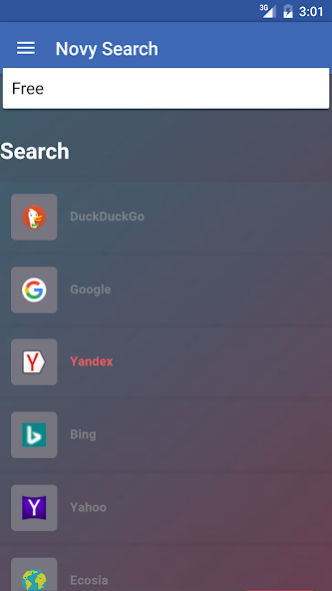
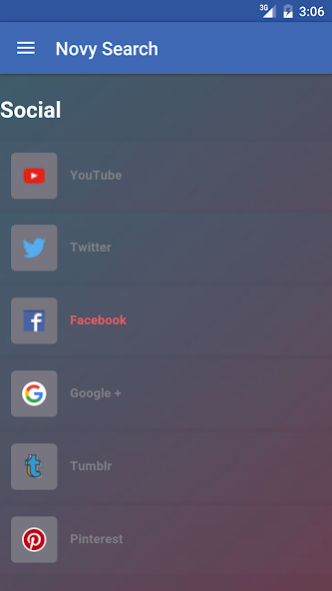
Novy Search is the search tool that let's you search them all. From* Yandex to DuckDuckGo and from Twitter to Wikipedia and Here Maps. Search from dozens of search providers on different topics from maps to social networks and usual search engines.
We all search the web for questions, information, shopping, dates, navigation, fun and much more things. But we all do the same mistake and always use the same search engine for everything. With Novy Search you can now easily use the search engine you need and that is specialized on finding the right answer for your particular question.
Simply type your keyword or search term and click on one of the search engines in the list to search with this search engine.
Also try the web version: http://novy.dalenryder.com
*Note: we are not affiliated nor do we indicate a cooperation with the companies and trademarks named above. All trademarks are the property of their respective owners.
About Novy Search
The company that develops Novy Search is Dalenryder Media. The latest version released by its developer is 1.1.
To install Novy Search on your Android device, just click the green Continue To App button above to start the installation process. The app is listed on our website since 2016-06-19 and was downloaded 2 times. We have already checked if the download link is safe, however for your own protection we recommend that you scan the downloaded app with your antivirus. Your antivirus may detect the Novy Search as malware as malware if the download link to com.dalenryder.novysearch is broken.
How to install Novy Search on your Android device:
- Click on the Continue To App button on our website. This will redirect you to Google Play.
- Once the Novy Search is shown in the Google Play listing of your Android device, you can start its download and installation. Tap on the Install button located below the search bar and to the right of the app icon.
- A pop-up window with the permissions required by Novy Search will be shown. Click on Accept to continue the process.
- Novy Search will be downloaded onto your device, displaying a progress. Once the download completes, the installation will start and you'll get a notification after the installation is finished.
Program Details
System requirements
Download information
Pricing
Version History
version 1.1
posted on 2016-06-19
- performance improvements
- new offline improvements
